





























How YouTube Background Playback Works: Watch Videos While Using Other Apps

Would you like to multitask using your phone while enjoying your own set of music videos from YouTube without being interrupted? The background playback feature of the platform allows users to do it without extra effort. Since the launch of this premium feature, it has gained popularity among multitaskers to access audio while using multiple apps or a locked phone. Moreover, YouTube updated its many features, but playback remains a YouTube Premium feature, while Google is tightening rules for free alternative methods.
What Is YouTube Background Playback?
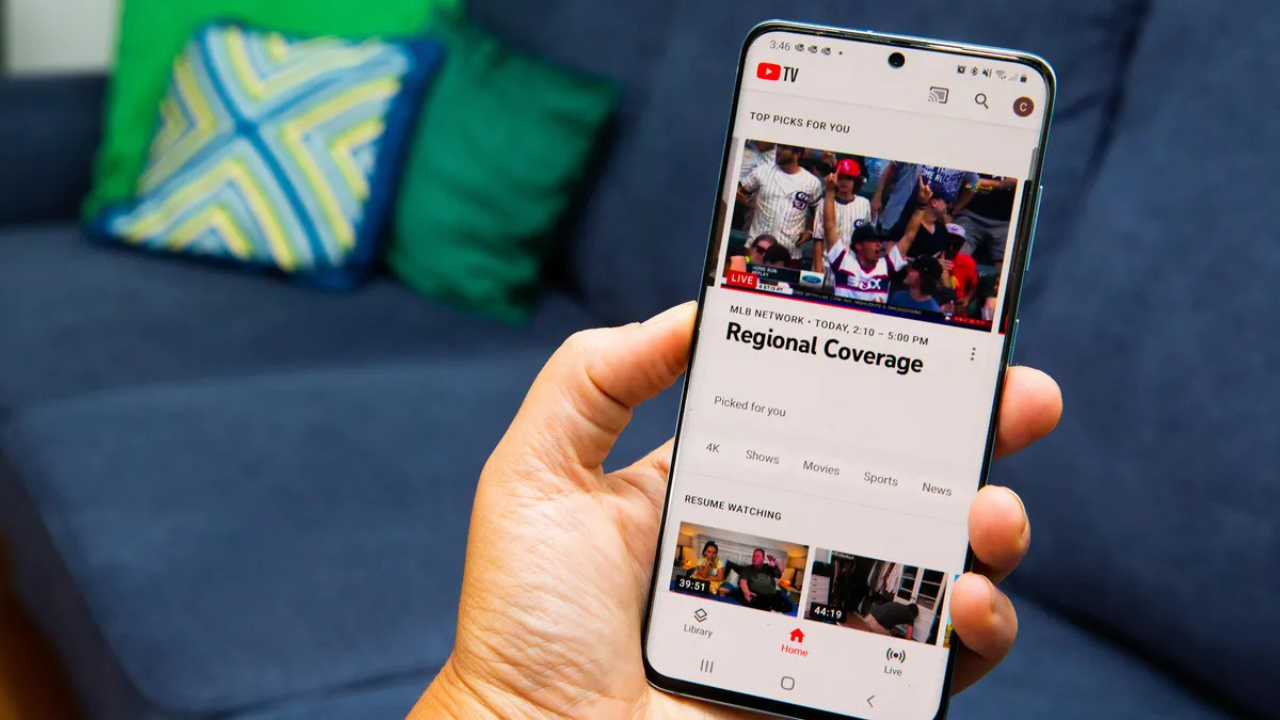
YouTube’s background playback offers uninterrupted streaming of audio and video, whether you exit the app or listen while off-screen. Simply, the platform has made listening to audio more advanced with a playback option where now your music won’t stop or pause by YouTube when you close the app. Furthermore, it is ideal for motionless videos where visuals aren’t essential, such as podcasts, lectures, music mixes, etc.
How It Works in Simple Terms
As background playback is exclusive for Premium subscribers, it is built into the app for mobile, whether you have an Android or Apple device. And to access it, you should just tap on any video and go back to the phone screen by pressing the home button; you will notice the audio will continue playing in the background.
In addition, the platform has some basic playback controls for the Android device dashboard widget. For instance, you can play, pause, and skip videos for listening purposes only, but watch the video.
Who Can Use This Feature
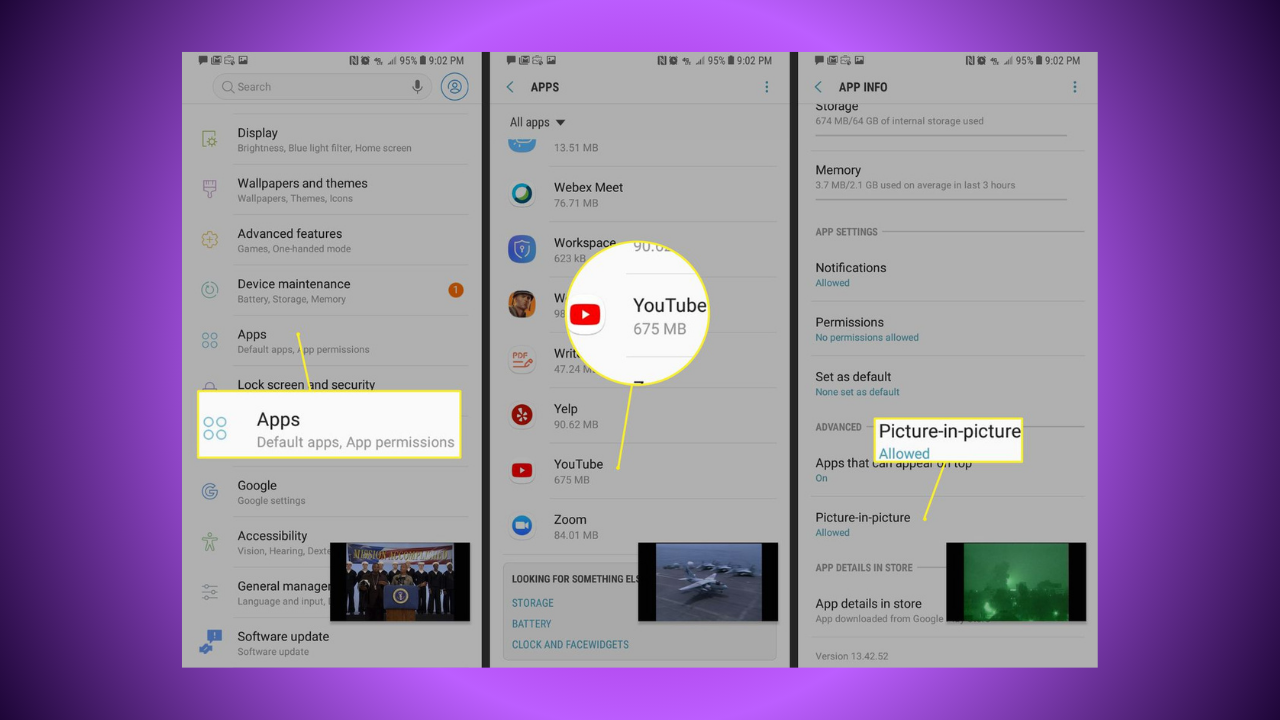
As of early 2026, the background playback feature is only available to those subscrbires to have access to Premium and Premium Lite. Whereas the Google search engine also restricted the use of third-party apps or browser workarounds around late 2025, which doesn’t allow free users access to desktop mode on Chrome, Safari, or unknown third-party browsers to continue listening while off-screen.
Why It Is Useful for Users
The best advantage of playback features is that they prevent battery drainage while saving time. So, people can enjoy more with a better experience, like listening to long-form podcasts during traveling, while working, or exercising with the mobile screen off. Hence, this enhances the platform’s credibility with a stronger alternative for audio and podcast listening apps, specifically with the launch of the affordable Premium Lite version.
Conclusion
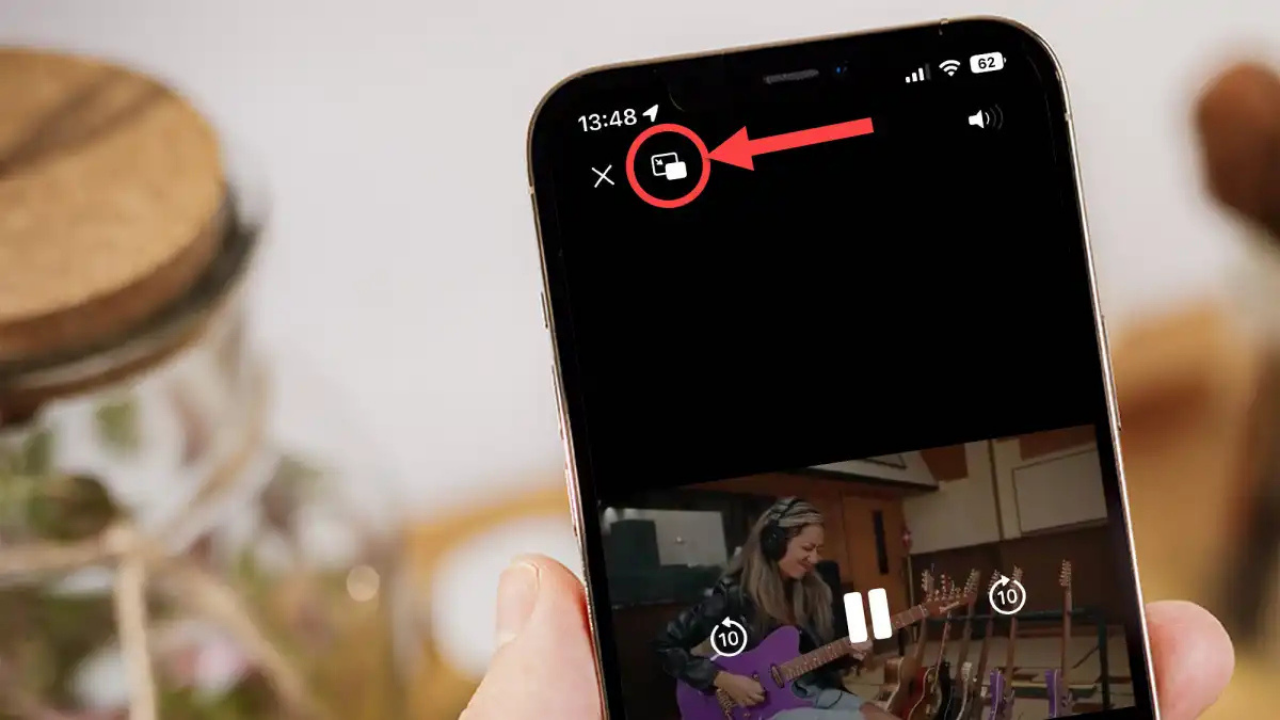
With background playback on YouTube, it becomes possible for users to have access to music during travel or work, making the whole story of a software which initially started out as a video-based one become a music platform. Upgrading to YouTube Premium remains the best choice that allows one to listen seamlessly while engaging in other tasks.
Related Posts

Netflix Opens the Door for India’s Next Generation of Storytellers

TikTok Takes Comments to the Next Level with Voice, Polls and Carousels
Is YouTube Making Shorts Revenue Harder?
YouTube: YouTube’s September Monetization Changes