






























How To Recover Your Old or Deleted Videos On YouTube

Losing your videos on YouTube on which you spent hours and sometimes months to create and edit them can be very frustrating. If your videos removed due to policy issues, accidently removed or made private. Do not panic, there are still some ways to retrieve them. Let’s break it down in simple and stress free step by step process.
First Check Your You tube Studio
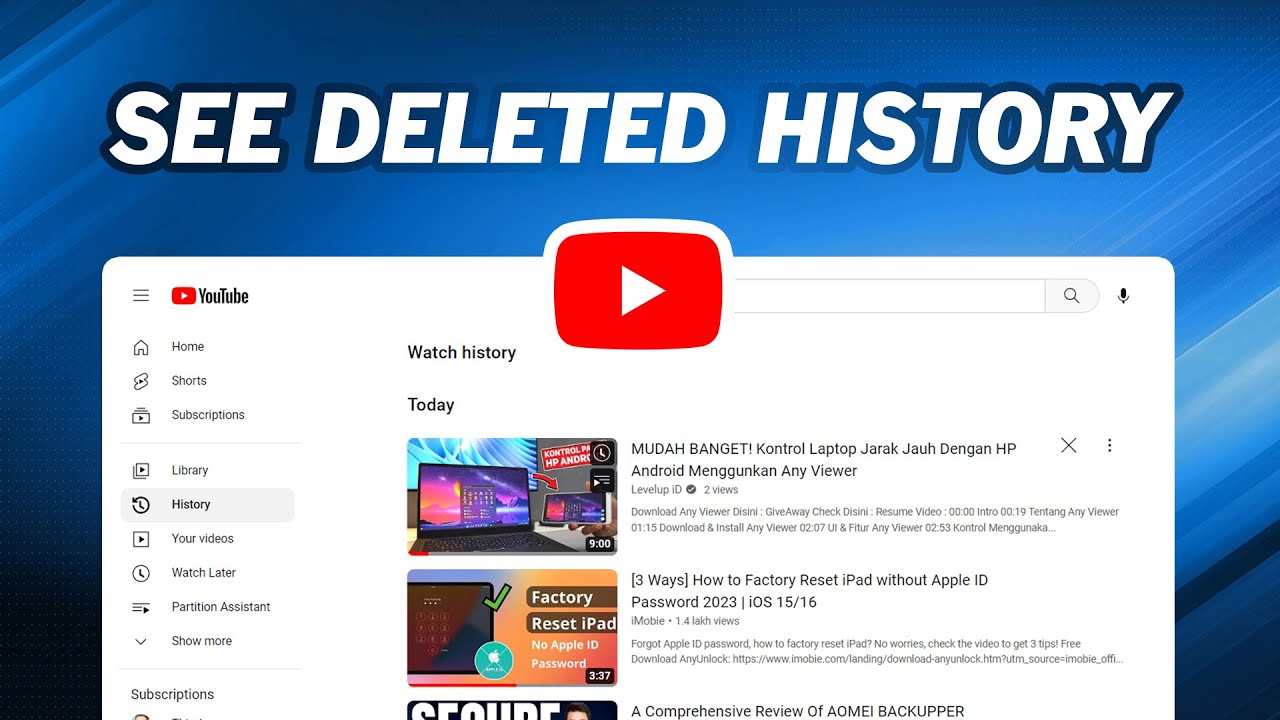
Before getting panic that your special video on which you had put a lot of effort on has suddenly gone forever. Log in to your You tube account first then open the Youtube studio option. Then, move to the content section and check quite carefully. Sometimes, videos do not get removed or never deleted but because of settings changes they accidently get hidden. A fast check here can save lot of your time and energy.
When you go to “content section” option then carefully check:
- Drafts
- Private Videos
- Unpublished Videos
Easily Restore from Google Account Backup
In some cases, your data gets linked to your google account, because Google owns You tube! Check, you may already have a backup of your old or deleted videos if you have used “Google Takeout” already.
- Simple steps to follow:
- Go to Google Takeout
- See carefully if You tube data was downloaded in the past
- Retrieve your saved files right away.
Check Editing Software or Device
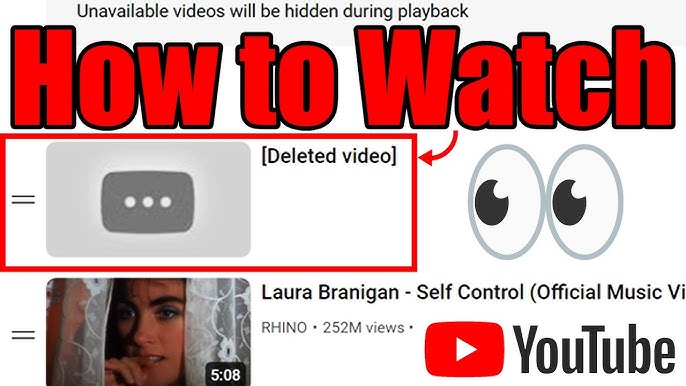
Many times, when we to upload any video, surely, we save it somewhere. If you uploaded the video via your computer or phone there are higher chances that it must be stored there. Even if You tube removed your content, still it is saved in your device. So, check
- Gallery
- Cloud storage or external device
- Video editing apps
Appeal Through YouTube Studio
Do not be worried, if your content was deleted from You tube due to copyright issues. You can still get back the fruit of your hard work just by submitting an appeal via You tube studio. You tube may restore your video if your right is valid. For this simply:
- Visit “content” option
- Check the removed video notice
- Click on “appeal” and clearly elaborate your case.
How to Prevent Loss in Future
To avoid the same issue next time, make sure you always:
- Use external storage or Google Drive
- Keep a backup on your cloud app or device
- Avoid copyright violations at all cost
Final Thought
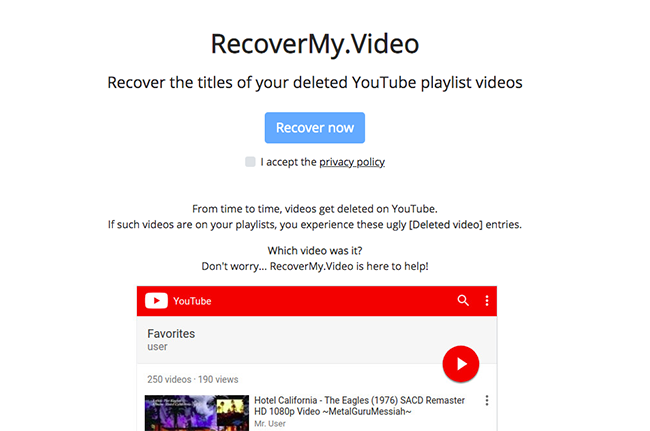
Recovering removed videos on You tube can be challenging sometimes and is not guaranteed often. By seeing your devices, backups and account you can easily get them back if videos were stored there. Also, with YTviews you may get help of getting your deleted videos back which were removed due to copyright issues or due to other reasons. We are 24/7 available to assist yo
Related Posts
Is YouTube Making Shorts Revenue Harder?
YouTube: YouTube’s September Monetization Changes

YouTube Adds Amazon Affiliate Links: What Creators Need to Know

YouTube Viewership Services – how can creators boost their views?

How Samay Raina Cracked the YouTube Growth Formula