




























Edits App Update: New Tools Power Smarter Video Editing

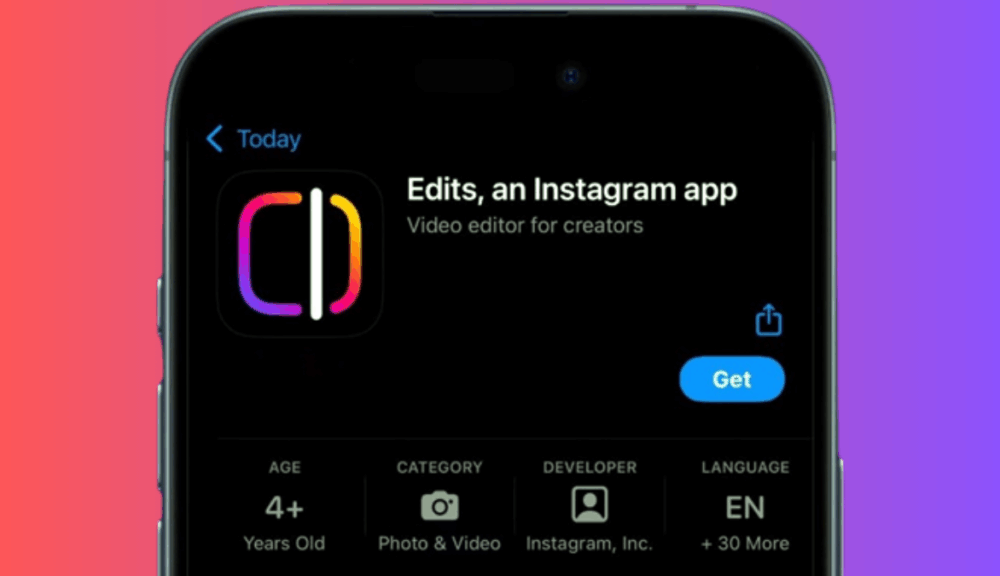
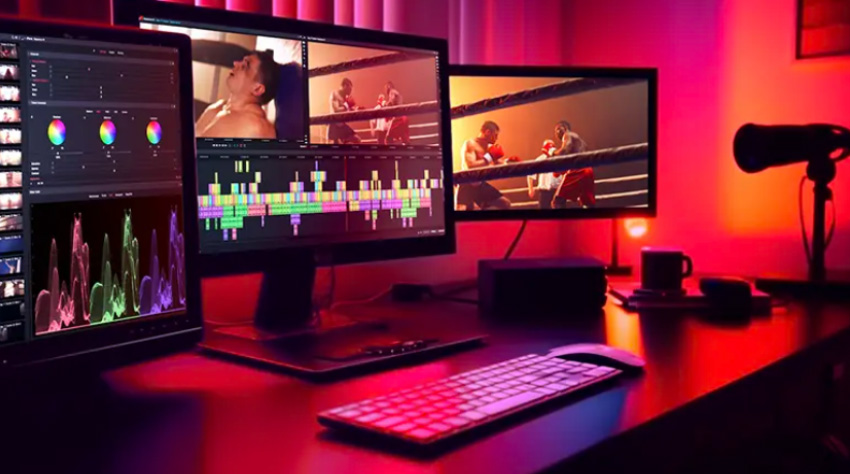
If you’re creating videos regularly in 2026, chances are you’ve already heard of Meta’s Edits app—or at least seen it mentioned in creator circles. What started as a simple mobile editing tool is slowly turning into something far more practical. The latest Edits update doesn’t just add flashy features; it focuses on fixing everyday editing pain points that creators usually complain about.
And honestly, that’s what makes this update worth paying attention to.
Copy and Paste Finally Comes to Edits
One of the most requested features is finally here. Edits now allows creators to copy and paste fonts, text styles, and clips between projects or even within the same project.
This may sound basic, but if you create branded content or post regularly, it’s a big deal. You no longer need to recreate the same text layout again and again. Once your style is set, you can reuse it instantly, keeping your videos visually consistent and saving a lot of time. The feature is currently rolling out on iOS.
Cleaner Access to Timeline Controls
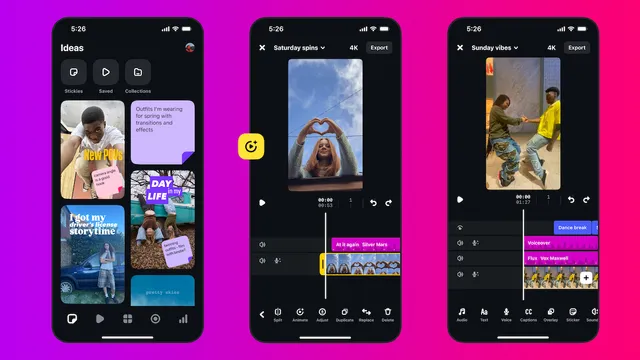
Editing on a phone screen can be frustrating, especially when small controls get in the way. Edits addresses this by adding a new settings menu that appears when you tap on the project name.
From here, you can quickly turn snapping, guides, and frame visibility on or off. Although it’s a minor change, but it makes editing noticeably easier and reduces needless tapping on the screen.
Greater Control Over Edit Application
Another clever new feature is the ability to choose whether changes on master tracks automatically propagate to visual or audio clips. This provides flexibility to creators when arranging content.
You can experiment freely when building your video and then lock everything in place once it feels right. For creators who like control without chaos, this feature is genuinely useful.
New Effects and Creative Options
Edits is also growing its creative arsenal. You can then add effects, such as tagging, scribbling or blurring to objects or individuals in the frame. In addition to this, the app also brings a Reverse and new text animations tools making it more effortless to add some visual flair, without the need for external software.
Final Take
These updates indicate that Edits is growing up to be a real mobile video editing powerhouse. It’s a powerful tool that represent faster workflow, flexibility, and creative control, which should make it an attractive choice to content makers, marketers, and social media users. And hence, Edits is accessible on both iOS and Android.
Related Posts


Why Choose Ytviews.in for Instagram Followers?
Instagram Creator Tools – Now Available for Public Accounts