






























How to Copy a YouTube Comment Link in Seconds? – Grab It Fast!

If you are also looking to share a specific YouTube comment without taking forever then this quick info will provide you immediate support. Primarily, copying a direct comment link is easier and quicker than you think!
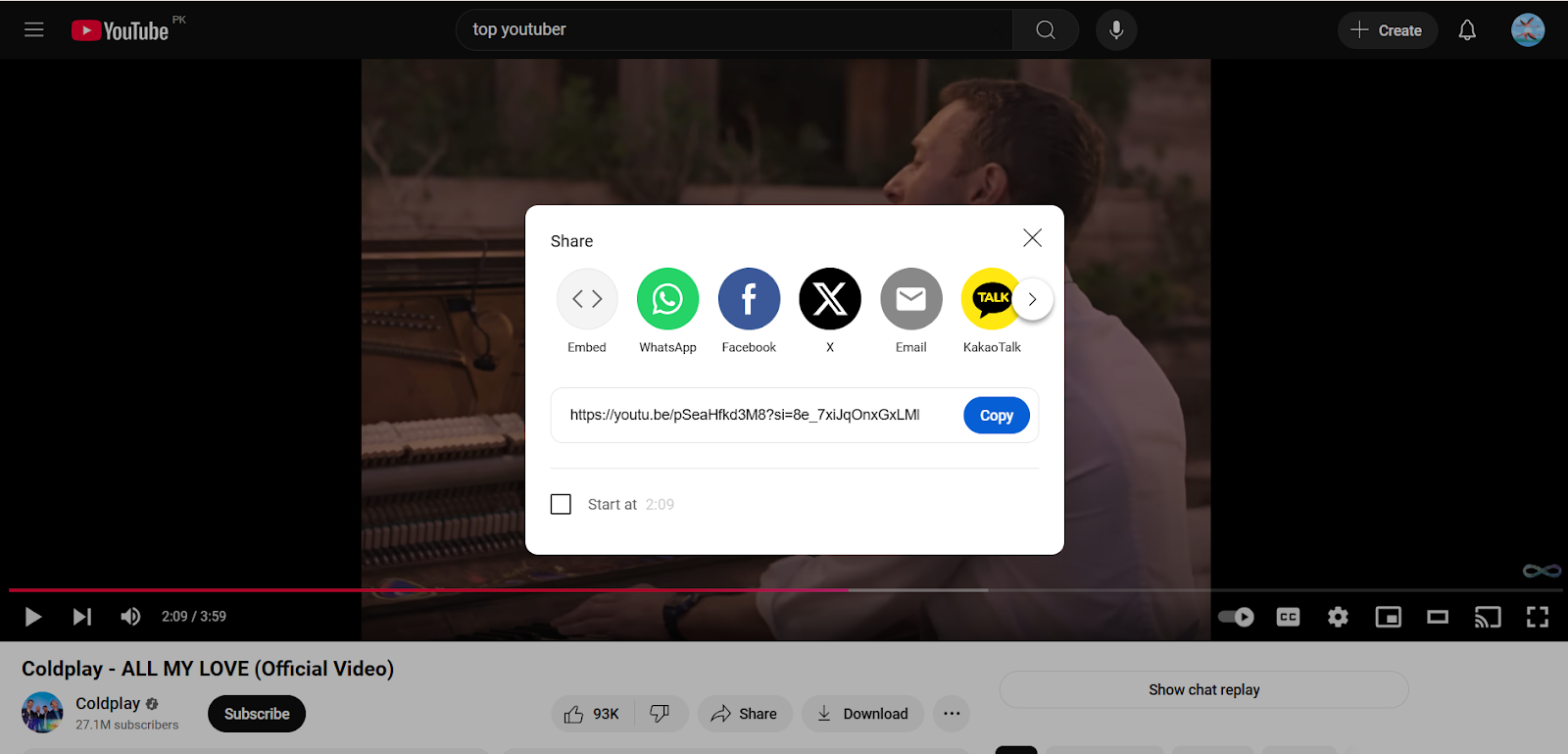
Why You Need a Comment Link
Have you ever looked a comment on Youtube which is quite funny, helpful or significant that you wanted to share immediately or save that? Copying makes it easier for you to send it to your friends or siblings. You can also include it in your blogs or save it for later without scrolling it endlessly again.
Why You Can’t Copy Links Directly from the App?
To keep users engaged, many apps does not allow to direct copy the comment. Due to content restrictions, privacy settings, permissions they limit the access. In that case, you can use alternative way like browser versions or sharing options to copy links.
Simple Steps to Copy a Comment Link on Desktop Right Away!
Getting the link is just a piece of cake. Here’s how to grab it in seconds and share it instantly:
- First, go to the YouTube video from where you want to get and share the comment.
- Then, scroll down until you find the comment you searching for
- Simply, click on the three vertical dots (⋮) next to the comment
- From the tiny menu which appear just select “Copy link”
- That’s it! Now you can paste it anywhere, in emails, messages, or social media. This will take you or the people you will share it directly to that exact comment.
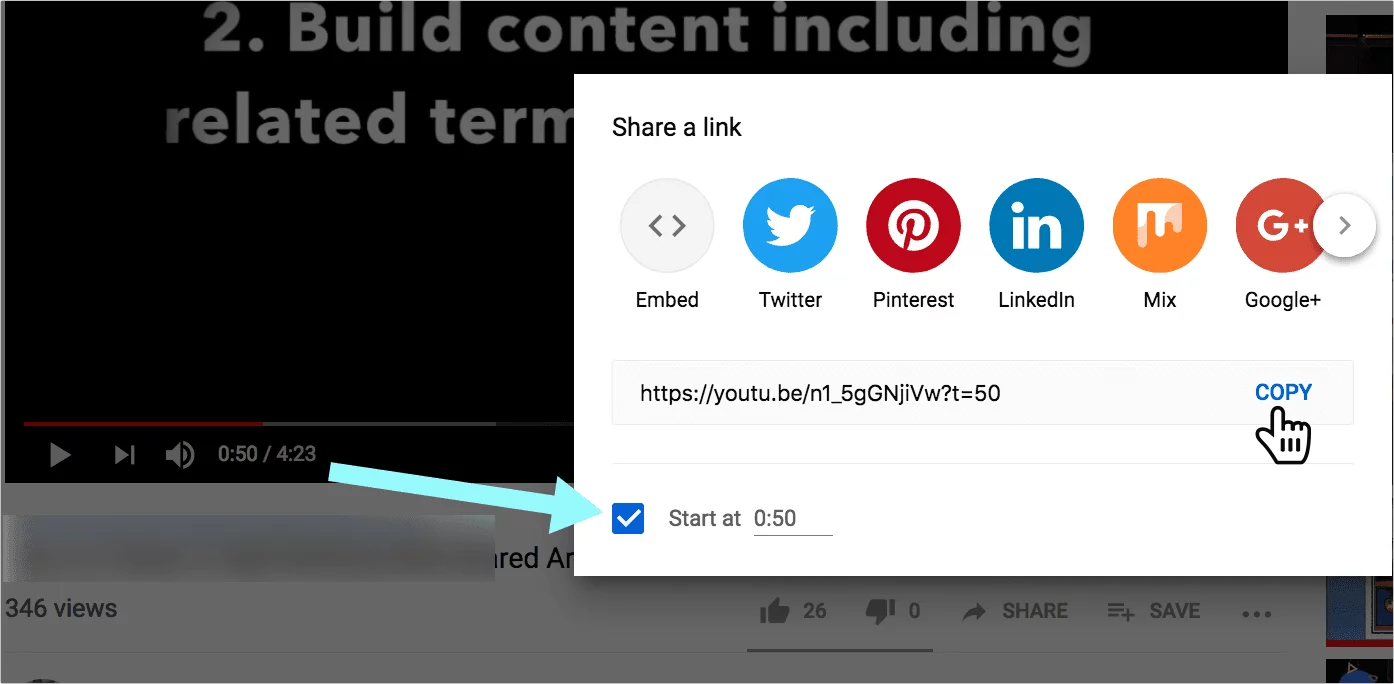
How to Copy Comment Link on Mobile (Using Desktop Mode)
The process to copy Youtube link via phone and desktop is almost same. It’s super easy! Simply switch to Desktop mode and follow these steps:
- Open YouTube in Chrome or Safari on your phone, instead of the app to access this functionality.
- Click the three dots (⋮) in your browser and select “Desktop site”.
- Scroll down and find the comment you want to copy and share
- Then, simply click on the timestamp (like, “2 days ago,” or “10 minutes ago”) or sometimes the username. This will lead you to the new link with opening the comment you want to copy.
- Lastly, tap the address bar, hold and copy the URL, it’s done!
Tips for Sharing YouTube Comments Faster
- Share links in chats for context
- For quick access, bookmark important comments
- In presentations or articles use comment links.
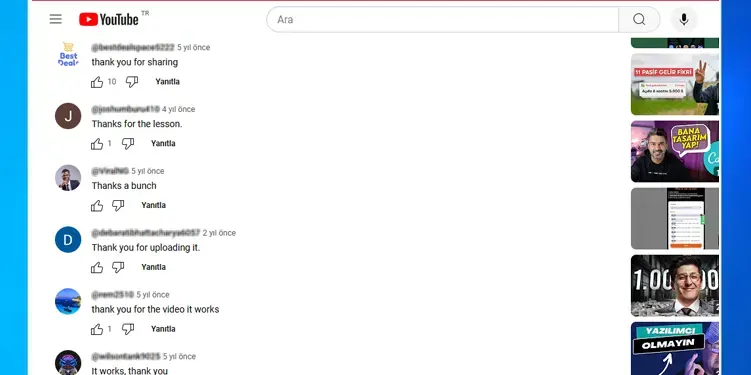
Conclusion
Copying a YouTube comment link is an instant trick. It saves much time and makes sharing much easier and interesting. Whether you are a creator, viewer or a student, this easy hack can help you share useful insights right away. Try it, and you will never lose a great comment again! For more latest updates and crispy hacks stay connected with Ytviews.in and you can check our services related to social media platforms we are providing.
Related Posts

YouTube Public Views vs Engaged Views: Explained

YouTube Growth Across Asia: Top Creators Markets


YouTube AI Likeness Claims: Everything Explained

YouTube View Count Update 2026: Explained