




























Scheduling Instagram Reels Inside the App Made Easy.

I’ve always been a big believer in scheduling content. Not because it sounds productive, but because it genuinely saves my sanity. Posting every single day, at the perfect time, with the right audio, can drain you fast. Earlier, tools like Later or Planoly were my go-to. They’re helpful, no doubt. But what many people still miss is that Instagram itself now lets you schedule reels — directly inside the app. No Meta Studio confusion. No jumping between platforms. Just a simple feature that actually fits into a creator’s routine.

Why Scheduling Reels Is a Game Changer
When you schedule reels, you stop working in panic mode. Instead of thinking “I need to post today,” you think “I’m already covered.”
Batching content lets you sit down once, edit multiple reels, add captions, choose music, and plan everything calmly. It’s especially useful when you’re following trends. You can edit while the trend is hot, schedule it, and let it go live at the right time without rushing.
You Can Even Add Trending Audio
This is the part a lot of people get wrong. Scheduling does not mean missing on trends. You don’t have to compromise on reach just because you’re planning ahead. Once your reel is fully edited, add your audio like you normally would. Nothing changes there. Instagram treats scheduled reels the same way as manually posted ones.
How to Schedule a Reel Step by Step
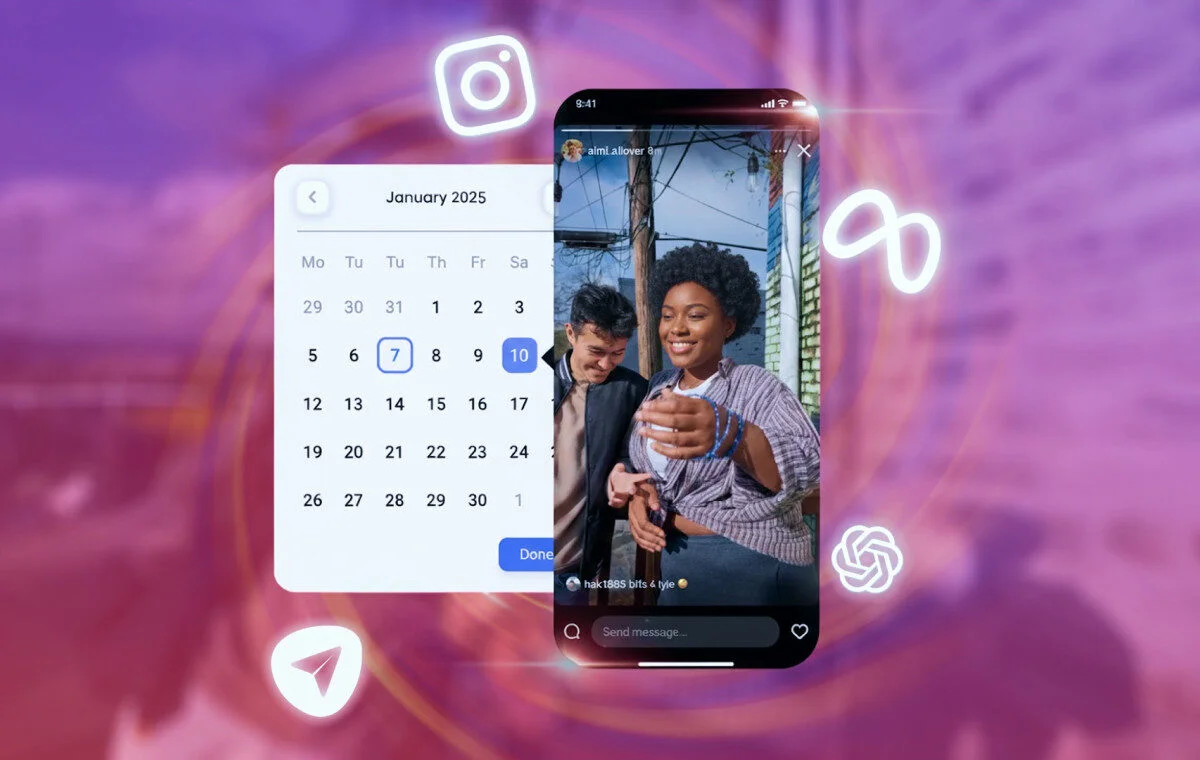
After editing your reel and hitting Next, scroll down and tap on Advanced Settings.
There, you’ll see an option to Schedule this reel. Toggle it on, pick your date and time, and confirm. Instagram might show a small pop-up asking you to continue scheduling , just tap it and move on. The reel is now locked in.
Where Your Scheduled Reels Are Stored
If you ever forget what you scheduled (it happens), just go to your profile. Tap the three lines in the top-right corner, select Scheduled Content, and you’ll see all your upcoming reels there. It’s clean, simple, and actually helpful for planning.

Conclusion
Instagram’s in-app scheduling is one of those quiet features that makes a big difference. It helps you stay consistent without burning out. You can batch content, use trending audio, and post on time without being glued to your phone. If you create reels regularly, this feature isn’t optional, it’s practical.
Related Posts

Instagram: Can Instagram’s First Draft Make Reel Editing Faster?
Instagram Has a New Look — But Does It Really Matter to Creators?
Can Instagram’s New AI Rules Accidentally Hurt Real Creators?
Why Creators Should Stop Judging YouTube Success by Views Alone