






























Can we reorder the carousel on Instagram now?

What do you think can be the answer to this question: Yes or No? . Well, had you asked this question some months before it was obviously a big ‘NO’ but now it’s not the truth, you can actually reorder your carousels on Instagram now . How ? read further to know about it
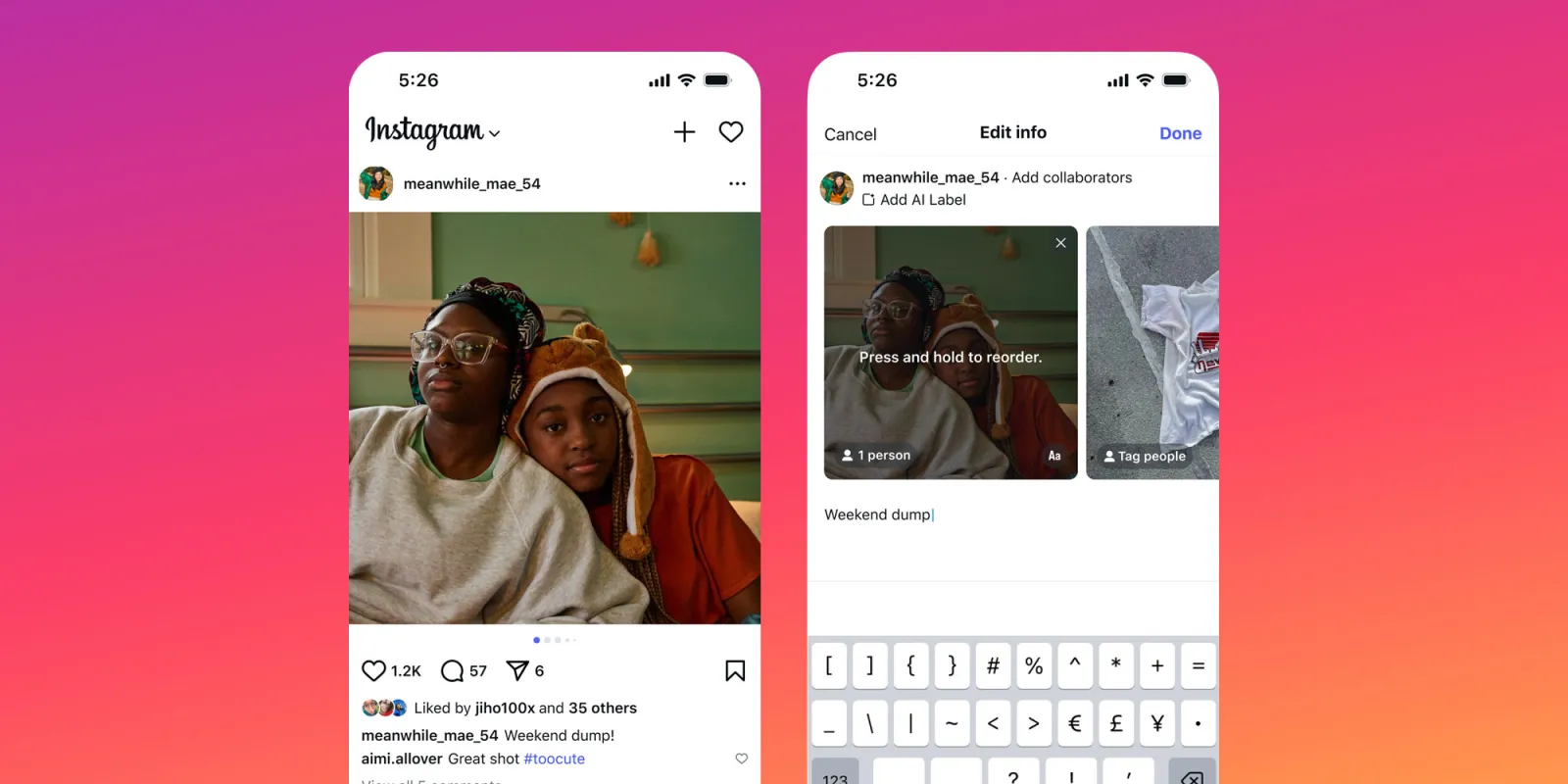 The Recent Change:
Instagram is on its way to roll out the feature which will allow you to easily reorder your carousel even after posting it. All you need to do is follow some simple steps and it will be done easily
Ways To Reorder It:
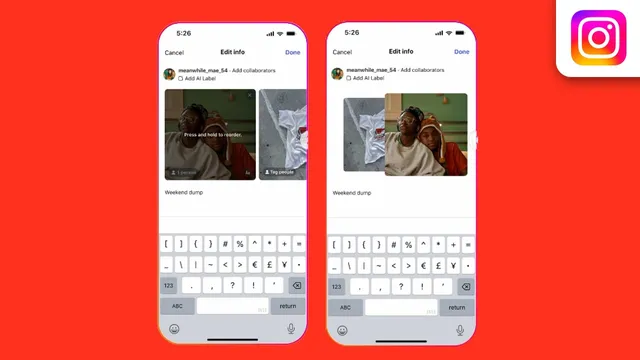
You can actually do it in two ways, read below to know it how :
STEP 1: Click on the three dots on the post
STEP 2: Select the edit option
STEP 3: Select the slide and drag it to reorder
Now, let’s see the second way to do it
STEP 1: Delete the post
STEP 2: Navigate to settings←your activity←recently deleted
Important Point To Notice :
You can’t add a new slide/media to your carousel
You can have up to 20 slides in your carousel
This feature is still in its rolling out phase so may be available to you in some days

End Takeaway:
This feature is an amazing opportunity because now you do not have ‘Delete’ as the only option to rearrange and rectify your mistakes. As a social media marketing company, Ytviews always makes sure to bring the recent updates in the most simplified manner to you and not only our content work but our campaigns and promotion services are also worth to order,
they help you grow in the vast pool of creators and brand and help you achieve your target by allowing you to do the hard work and the creative work and us to manage the smartwork part, so visit our website and book a service with us at the soonest to start your growth journey with Ytviews
Related Posts

Instagram: Can Instagram’s First Draft Make Reel Editing Faster?

Instagram Has a New Look — But Does It Really Matter to Creators?

Can Instagram’s New AI Rules Accidentally Hurt Real Creators?

Why Creators Should Stop Judging YouTube Success by Views Alone