






























How to Reactivate Your Instagram Account: A Complete Guide

Ever felt like taking a break from Instagram was the best decision ever? Yeah, me too. Maybe it was the endless scrolling, the notifications that never stop or just a little craving for privacy. Whatever your reason, stepping away can feel like a relief.
But here’s the tricky part, coming back. Will your followers even notice you’re back? Will your posts actually reach anyone? Don’t stress, restarting your Instagram is easier than it seems, especially if you know what to do.
Why People Take a Break
People leave Instagram for all sorts of reasons. Some are burned out from notifications popping up every two seconds. Others get stuck in the comparison trap of “perfect lives”. Some worry about privacy and honestly, some just need a little digital detox.
Around 1/3 of Instagram users take at least one break every year. Many come back refreshed and with smarter ways to manage their online time.
Types of Deactivation
Not every pause is the same. Instagram has three main options:
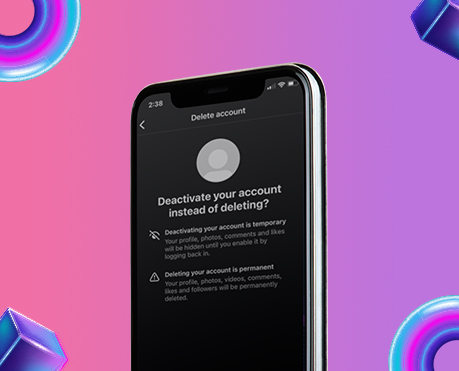
1. Temporary Deactivation – You disappear for a while, but everything’s recoverable.
2. Permanent Deletion – Only restorable within 30 days. After that everything’s gone.
3. Disabled Accounts – Instagram disables accounts that break rules.
The Mindset of Coming Back
Reactivating isn’t just pressing “log in.” Some people worry about engagement, some overpost because they feel they’ve “lost time.” Take it as a fresh start. Update your profile, reconnect thoughtfully with followers and post intentionally. Don’t rush it.
What Happens While You’re Away
Even when you’re gone, posts, likes and followers aren’t deleted, they’re just hidden. Messages you sent still exist in other people’s inboxes. Your username is still yours just engagement metrics pause temporarily but knowing this helps you plan your return better.
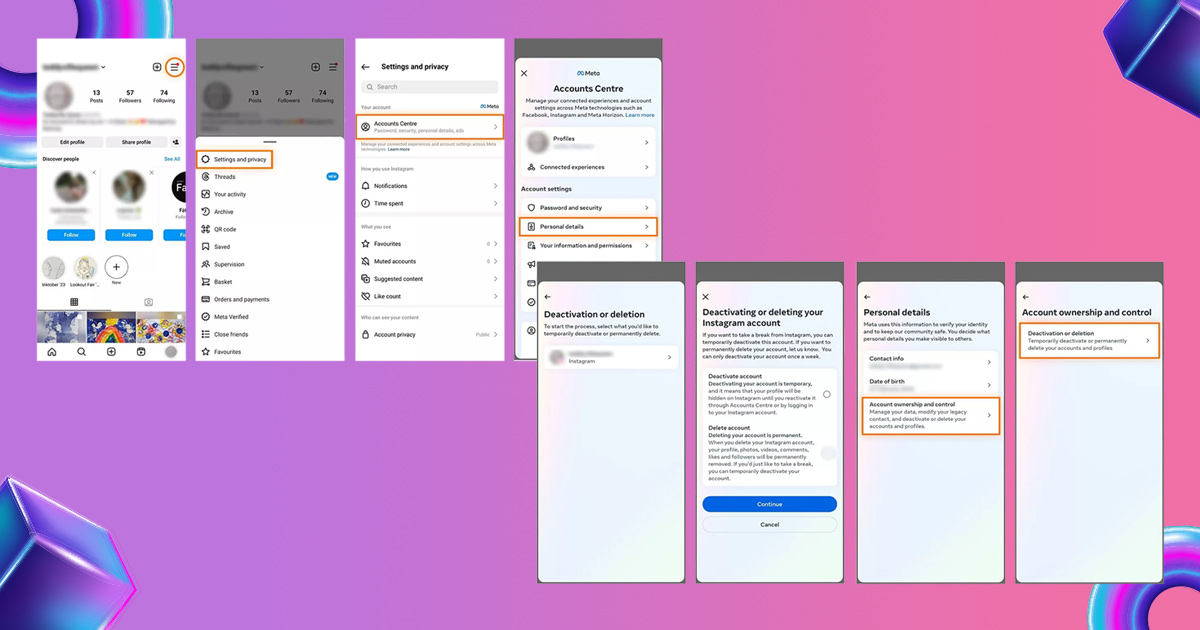
How to Reactivate
Temporarily Deactivated Accounts
1. Open Instagram on your phone or browser.
2. Log out of other accounts if necessary.
3. Enter your username, email or phone number and your password. And your account is back, complete with posts, followers and likes.
Tips:
- If you see “User Not Found,” wait 24 hours. Patience is key.
- Forgot your password? Hit “Forgot Password?” and follow the prompts.
Permanently Deleted Accounts (Within 30 Days)
Requested permanent deletion? Log in within 30 days. You’ll see a keep your account prompt. Tap it and everything comes back. After 30 days, it’s gone forever.
Tip: Your engagement may dip at first, Instagram treats returning accounts differently.
Disabled Accounts
1. Log in and read the notice.
2. Tap Appeal and provide your required information.
3. Complete required verification.
4. Submit and wait, it can take a few days to weeks. Disabled doesn’t mean gone. Proper appeals usually work.
Conclusion
At the end of the day, it’s your space. Use it in a way that works for you. Update your profile, reconnect with followers slowly and post content that actually feels meaningful. A thoughtful return will make your Instagram experience more enjoyable and way less overwhelming than before.
One comment on “How to Reactivate Your Instagram Account: A Complete Guide”
Leave a Reply
Related Posts

Instagram: Can Instagram’s First Draft Make Reel Editing Faster?

Instagram Has a New Look — But Does It Really Matter to Creators?

Can Instagram’s New AI Rules Accidentally Hurt Real Creators?
Why Creators Should Stop Judging YouTube Success by Views Alone





My brother suggested I might like this blog He was totally right This post actually made my day You can not imagine simply how much time I had spent for this info Thanks