
























Instagram Restricts DM Links: Why Accounts Get Restricted

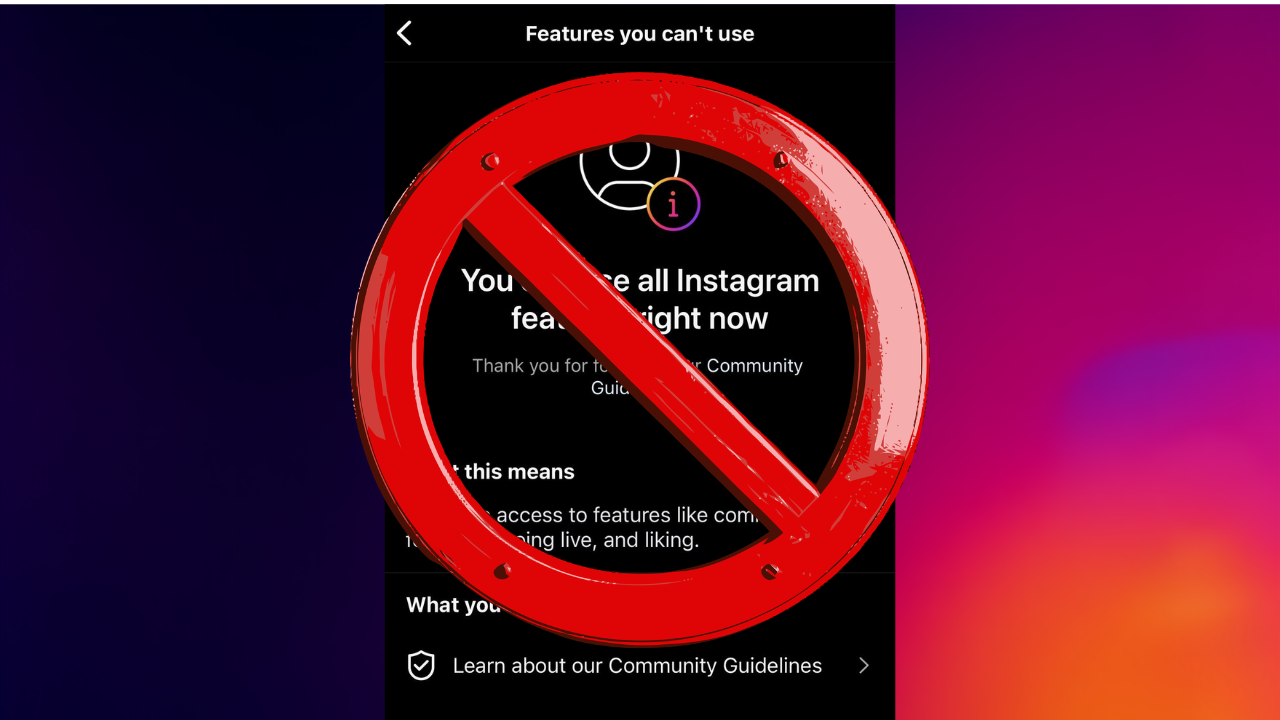
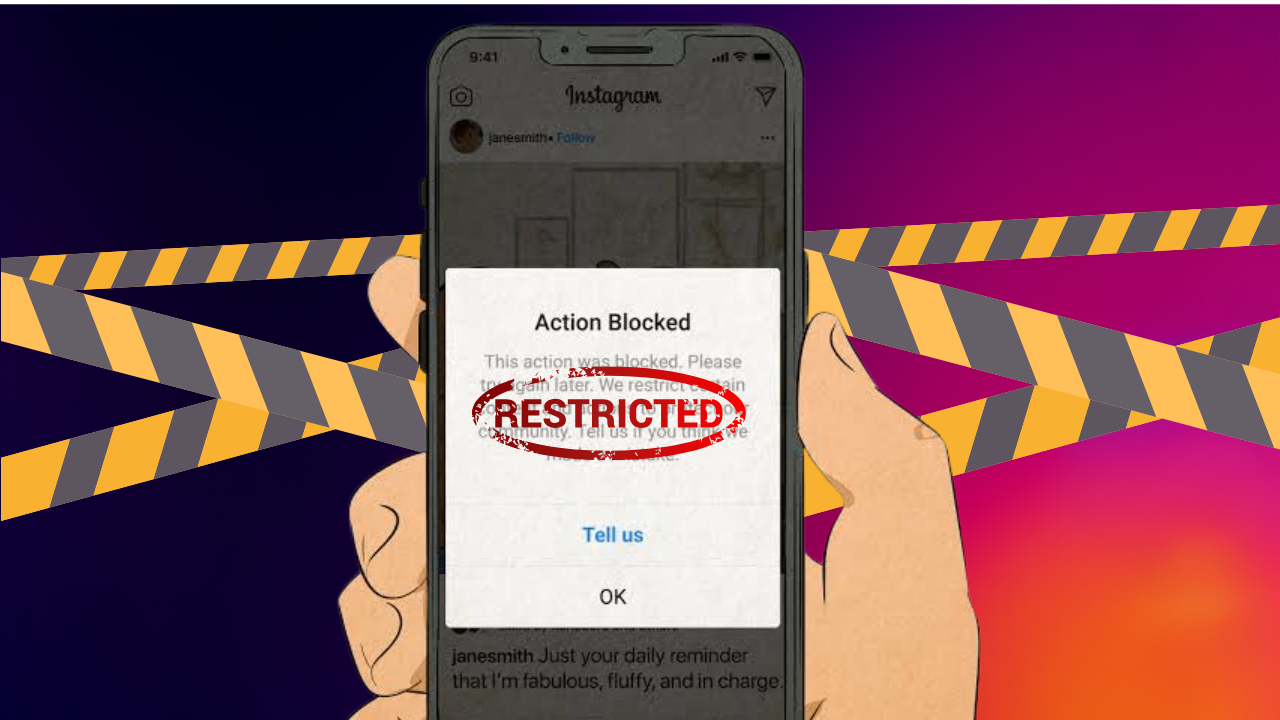
In 2026, Instagram upgraded its many features and advanced its AI detection system after Meta’s “bot purge,” which indirectly caused a spike in DM restrictions. Many users reported that whenever they sent a link in DMs, the system notification popped up with “Action Blocked.” And if you are one of them and your Instagram account struggles with a similar issue which enable you from sending links in DMs, it may happen due to an automated spam flag.
What Is the New Instagram Restriction?
With recent updation on Instagram, users need to know that now the social engagement platform puts limits on automated DM and link sharing. Instagram restriction means users can send limited DMs; moreover, using the automation feature will also limit users to sending around 200 messages per hour. Whereas this new restriction update also restricts people from replying after 24 hours to someone’s text, so sending unlimited or cold messages will signal the Instagram system to block the user’s account for 24-48 hour that can also be exceeded depending on the activity.
Why Are Accounts Being Restricted?
However, as a creator or regular user using bots or fake tools/platforms, Instagram’s high-end AI is going to block your account. The platform began to take strict action against those accounts that sent links and messages in massive amounts without having the user’s consent first, in the form of blocking them. This major change started right after the bot cleanse in May 2026, which also restricted the rules of the app, where if a Meta account is flagged, the joint accounts may be affected too.
How to Avoid DM Link Restrictions
Yet, for every problem there is a solution and hence this restriction on Instagram can also be fixed!
- Try to use official Meta tools; business or creator profiles with Graph API can access automated DMs.
- Replying to direct messages, commenting, and stories is safe.
- As a brand or business, try to send links within 24 hours and only share offers after receiving a message.
- Lastly, avoid spamming; don’t rush into sending messages; instead, focus on a slow process and stick to the limit reach, i.e., 200/hr.
What to Do If Your Account Is Restricted
Do not send messages until the restriction expires, check your Account Status, get rid of any automation, if any, and file a report if you think that the restriction has been imposed on your account due to an error.
Conclusion
Hence, Instagram isn’t prohibiting the use of links, but the app’s terms and conditions have been upgraded, directly creating DM restrictions that are made just to reduce the risk of spam while protecting users’ info. However, following the safe side of messaging and unlimited sharing links, creators can maintain their connection with the audience alongside growing securely.
Related Posts

Instagram: Can Instagram’s First Draft Make Reel Editing Faster?
Instagram Has a New Look — But Does It Really Matter to Creators?
Can Instagram’s New AI Rules Accidentally Hurt Real Creators?
Why Creators Should Stop Judging YouTube Success by Views Alone