




























How to Use YouTube Timestamp Sharing Feature (2026 Guide)

Have you ever wondered how to forward someone the exact moment of the YouTube video instead of bugging them to watch the whole thing? YouTube has taken a big step and made it easy for its users now by launching the feature for sharing timestamps on YouTube. Whether you want to share a funny moment, a tutorial step, highlight an important moment, or promote your post, timestamps keep your links highly user-friendly and smarter as well. This feature has become even more powerful and easier to use in 2026.
What is a YouTube Timestamp?
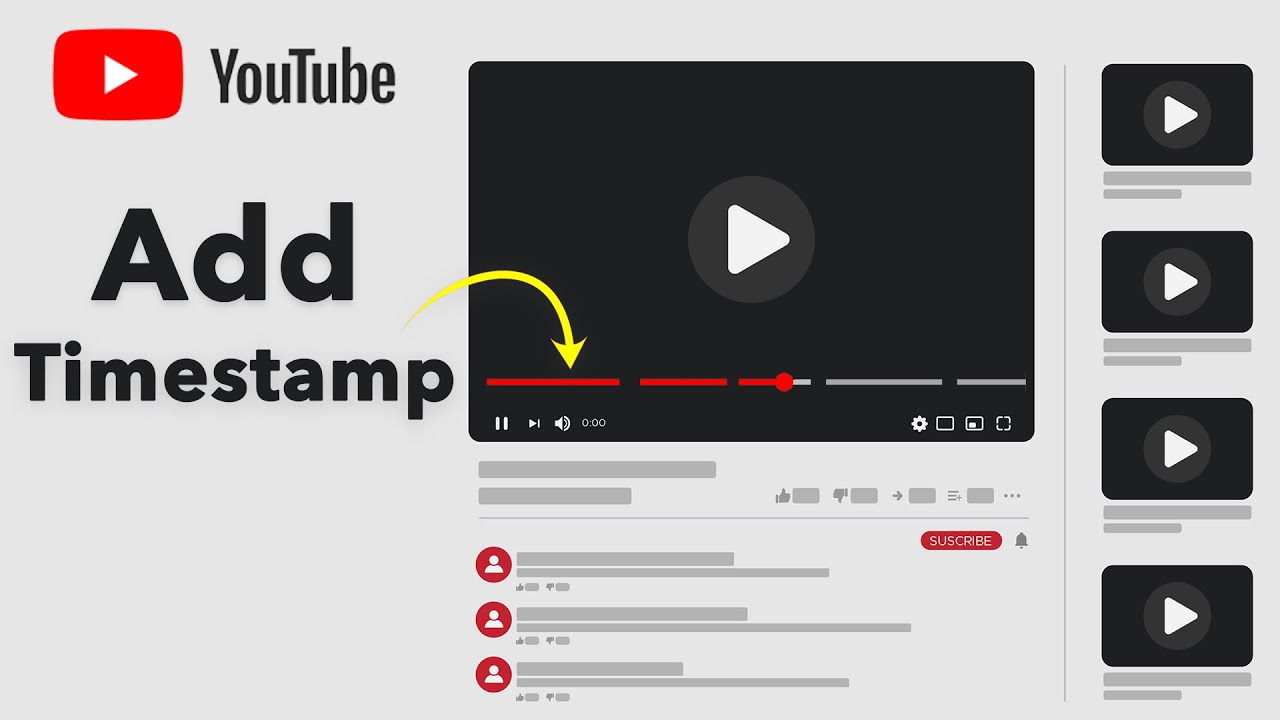
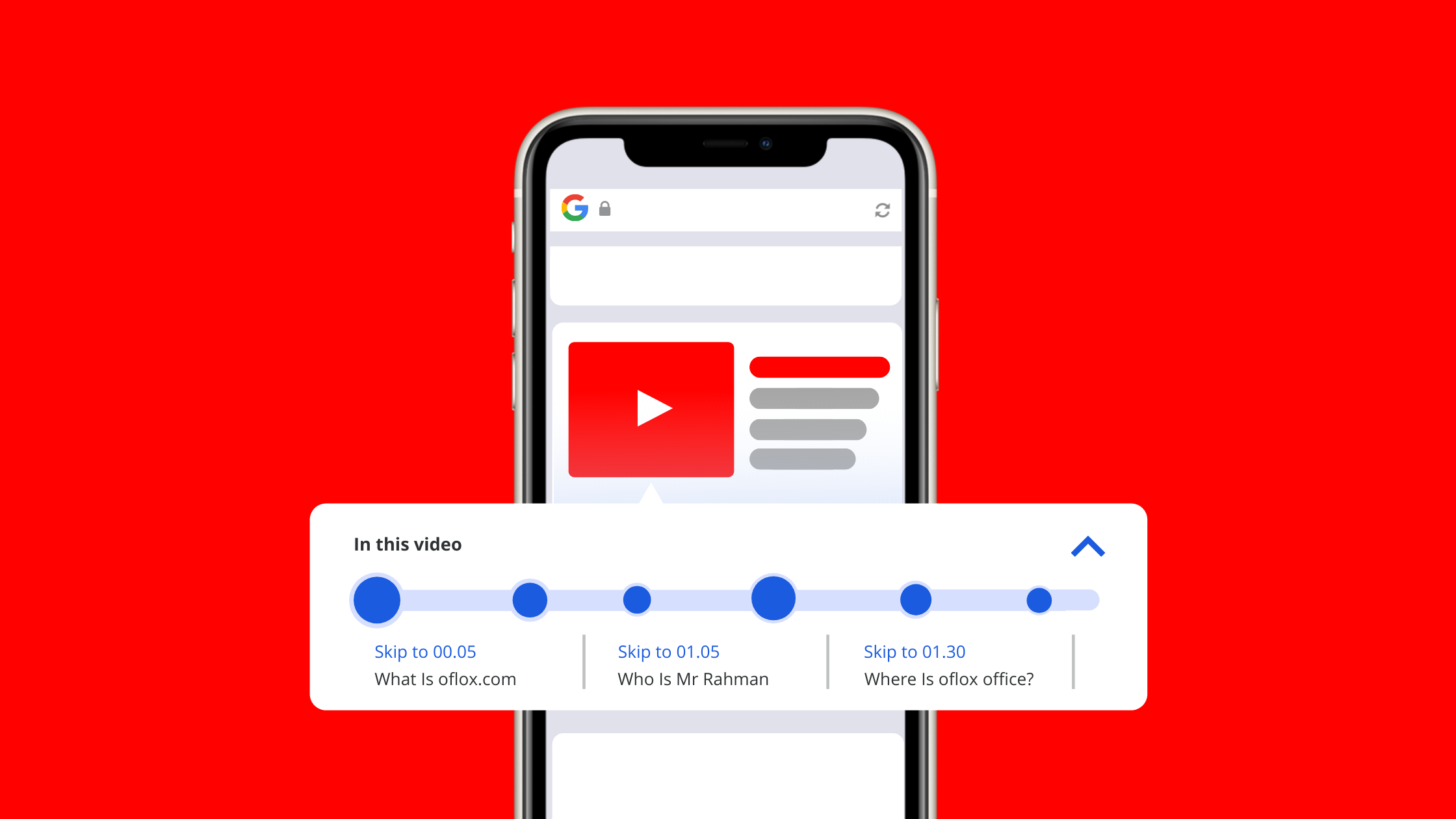
There is now a specific time marker in each video that allows you to go directly to a certain moment rather than watching the entire video from the beginning. You can simply link that specific moment; when someone clicks your shared link, the video will start playing from that particular point. This feature is highly useful to save much time and improve the audience’ experience.
Steps to Share a Timestamp
- Simply open your YouTube video which you desire to share
- Pause the video at the particular moment you wish to share
- Tap the share button beneath the video
- Make sure to check the box “start at”
- Copy the link generated & send it
The link will now begin at your desired time.
Expert Tips to Accelerate Engagement
- Paste timestamp links in video comments or descriptions
- Use timestamps to highlight viral or imperative instants
- Also, on social media share certain parts to increase clicks
Why is it More Useful in 2026?
Due to content overload and shorter attention spans, people prefer content that provides instant value. Timestamp sharing is useful in delivering fast, relevant, and engaging content. Additionally, you won’t have to get frustrated while searching, and it also skips directly to the crucial part. For example, if a video is 12 minutes long, but you only wish to see something for 4 minutes and 28 seconds, this feature will take you straight there immediately without any hassle.
Conclusion
Using YouTube timestamps is a simple and powerful feature to improve how you share videos. Whether you’re a creator, marketer, or simple user, understanding this feature can improve your engagement and make your content more highly effective. For more crispy updates, keep connected with Ytviews.in, and you can check out our valuable services regarding reliable brand, business and profile promotion of your social media platform with 100% real users.
Related Posts
Is YouTube Making Shorts Revenue Harder?
YouTube: YouTube’s September Monetization Changes
YouTube Adds Amazon Affiliate Links: What Creators Need to Know

YouTube Viewership Services – how can creators boost their views?
How Samay Raina Cracked the YouTube Growth Formula