






























How to Copy a Link from an Instagram Comment?

Instagram is one of the most attractive social platforms in the world but sometimes its features can be a little tricky. For example many people want to copy a direct link to a specific comment maybe to share it with a friend highlight useful information or even report it later. Unlike posts or profiles of Instagram does not make this option easily visible. The good news is that there is a simple workaround but it only works on a laptop or desktop browser not on the mobile app.
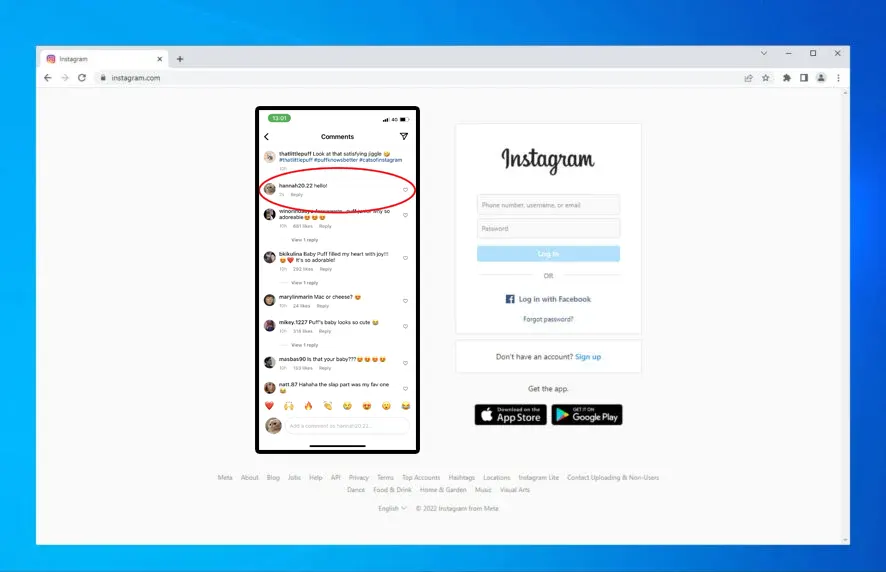
This method only works when using Instagram on a laptop or a desktop. If you try to open the same link on your mobile device Instagram wont display it the same way so it might just redirect to the original post instead of the exact comment.
Instagram’s design focuses heavily on mobile use but sometimes the desktop version has hidden some advantages. Copying a comment link is one of those tricks that can make your life more easier. Next time you want to highlight a specific comment just use your laptopnow and follow these quick steps and you’ll have the direct link ready in a seconds.
So Let’s see the process step by step.
Step 1: Open Instagram on a Browser
Start by logging into your Instagram account throu any web browser like Chrome Firefox or Safari. Mobile apps wo’t work for this trick so make sure you are using a computer anly.Step 2: Go to the Post with the Comment
Direct to the post where the comment is located. This could be on your own profile or on someone elses post. Scroll down until you find the specific comment that you want to share.Step 3: Click on the Timestamp of the Comment
This is the imp part. Every comment on Instagram shows a small timestamp underneath like 2 min and ago 3h or even 1 month ago Click directly on this timestamp.Step 4: A New Tab Opens
When you click the timestamp Instagram will open that exact comment in a new tab. And This separates the comment in its own URL separate from the full comment section.Step 5: Copy the URL
Now only copy the URL from the browser address bar directly. And This link is unique to the comment you selected and you can share it with others.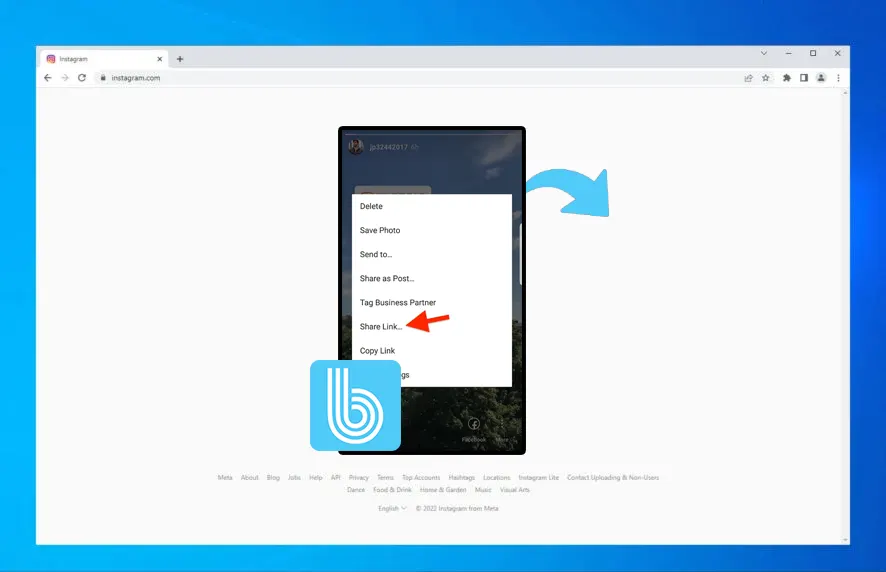 Important Note
This method only works when using Instagram on a laptop or a desktop. If you try to open the same link on your mobile device Instagram wont display it the same way so it might just redirect to the original post instead of the exact comment.
Why This Is Useful?
• Sharing context: You can share a comment directly instead of telling people to scrolling is very easy • Saving information: If a comment has more valuable tips and quotes or links you can save it for later • Professional use: for Brands and creators this is very useful can highlight customer feedback or comments testimonials more easily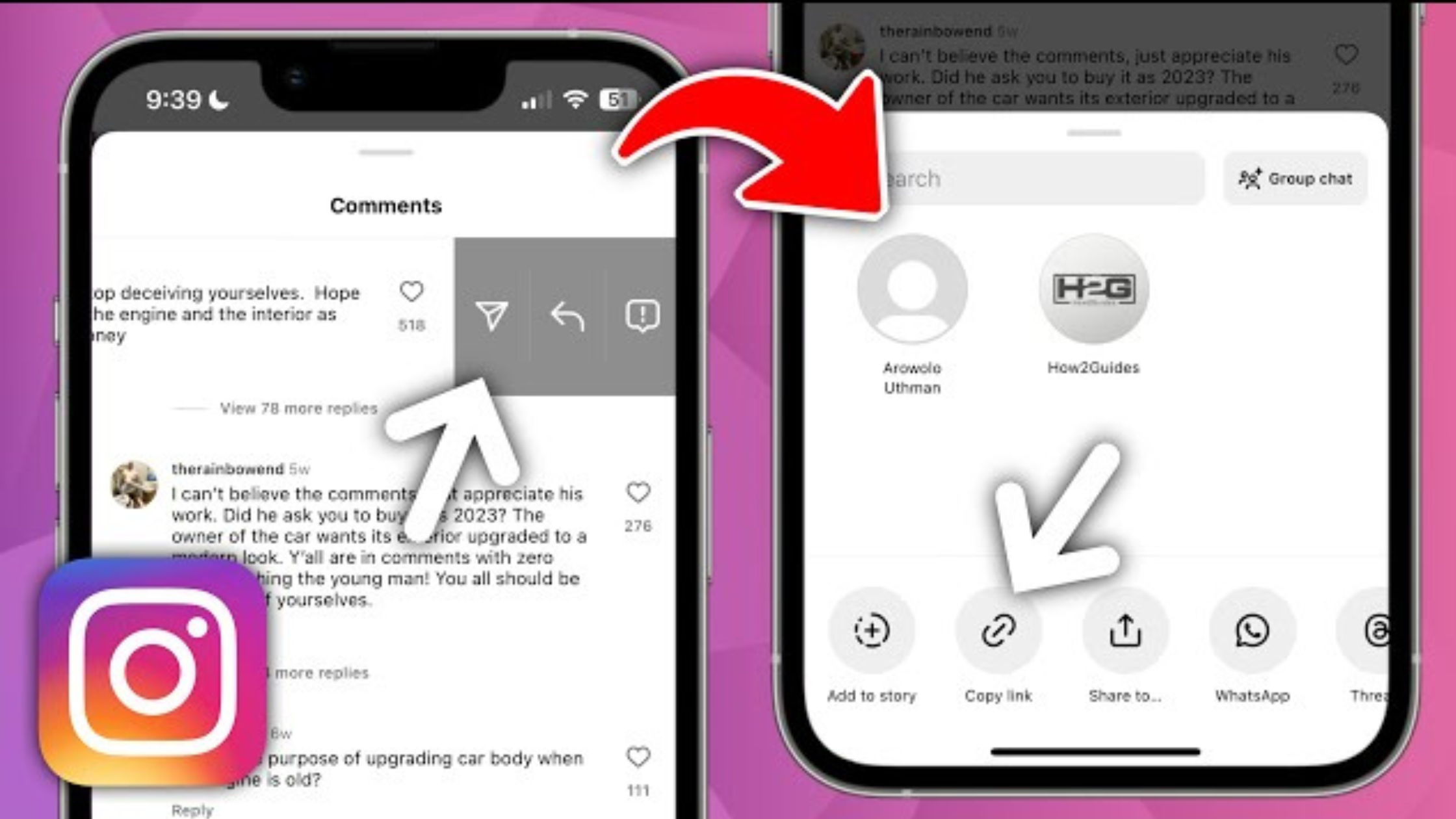 Final Thoughts
Instagram’s design focuses heavily on mobile use but sometimes the desktop version has hidden some advantages. Copying a comment link is one of those tricks that can make your life more easier. Next time you want to highlight a specific comment just use your laptopnow and follow these quick steps and you’ll have the direct link ready in a seconds.
One comment on “How to Copy a Link from an Instagram Comment?”
Leave a Reply
Related Posts

Netflix Opens the Door for India’s Next Generation of Storytellers
Sarah Sumbal | September 11, 2026

TikTok Takes Comments to the Next Level with Voice, Polls and Carousels
Sarah Sumbal | September 11, 2026


Why Instagram Removed IGTV and How Reels Replaced It
Sarah Sumbal | September 9, 2026

How Meta Will Pull Off Massive Changes to Its Social Media Apps
Sarah Sumbal | September 8, 2026

Are Small Instagram Creators Finally Getting More Reach?
Sarah Sumbal | September 8, 2026




❤️❤️❤️❤️❤️❤️❤️❤️❤️❤️❤️❤️❤️❤️❤️❤️❤️❤️❤️❤️❤️❤️❤️❤️❤️❤️❤️❤️❤️❤️❤️❤️❤️❤️❤️❤️❤️❤️❤️❤️❤️❤️❤️❤️❤️❤️❤️❤️❤️❤️❤️❤️❤️❤️❤️❤️❤️❤️❤️❤️❤️❤️❤️❤️❤️❤️❤️❤️❤️❤️❤️❤️❤️❤️❤️❤️❤️❤️❤️❤️❤️❤️❤️❤️❤️❤️❤️❤️❤️❤️❤️❤️❤️❤️❤️❤️❤️❤️❤️❤️❤️❤️❤️❤️❤️❤️❤️❤️❤️❤️❤️❤️❤️